
PBR is one of those terms everyone uses and few can define. It is simpler than it sounds, and understanding it fixes most texturing problems people struggle with for months.
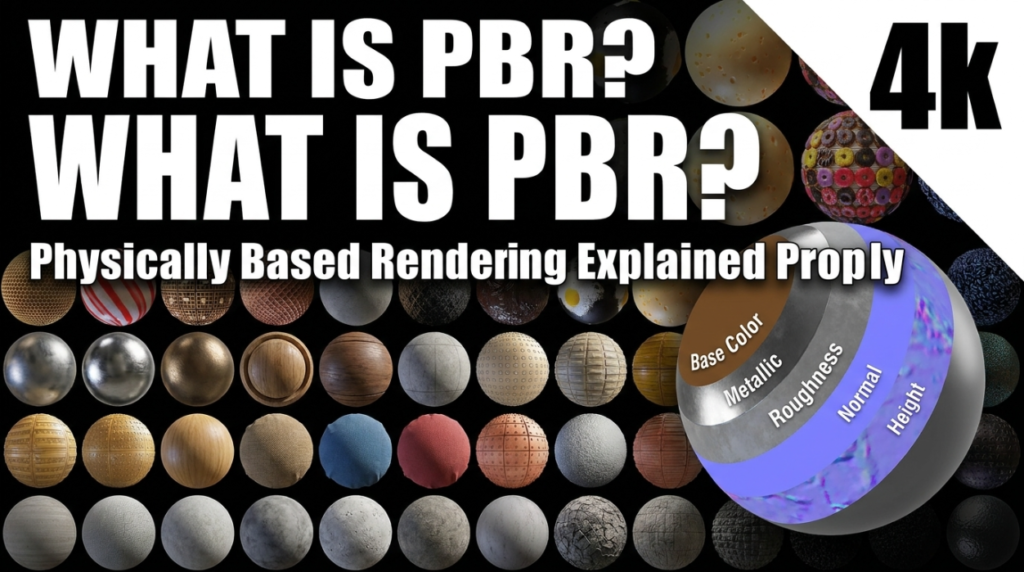
What PBR Actually Means
Physically Based Rendering is an agreement that materials should describe how a surface behaves toward light, rather than how it should look under one specific lighting setup.
The consequence is the important part: a correct PBR material looks right in sunlight, in a dark room, in your engine and in someone else’s render — without being re-tweaked.
The Maps That Matter
- Base Colour — the surface colour with no lighting information baked in. No shadows, no highlights. Those belong to the renderer.
- Roughness — how scattered reflections are. Black is mirror-smooth, white is fully diffuse. This map does more for realism than any other.
- Metallic — whether the surface is metal. It should be almost entirely black or white; grey values are usually a mistake.
- Normal — fakes surface detail by altering how light bounces, without adding geometry.
- Ambient Occlusion — contact shadow in crevices. Useful in real-time, often unnecessary in path tracing.
The Mistake Everyone Makes First
Baking lighting into base colour. If your base colour texture contains shadows and highlights, those shadows appear on the surface no matter how you light it, and everything looks wrong in a way that is hard to diagnose.
Base colour should look flat and slightly boring on its own. That is correct.
The Second Mistake
Uniform roughness. A single flat roughness value is the clearest sign of an inexperienced material. Real surfaces vary constantly — fingerprints, wear, dust, moisture.
Drive roughness with a texture, even subtle noise, and materials improve immediately.
Colour Space, Briefly
Base colour is colour data and uses sRGB. Roughness, metallic, normal and AO are data, not colour, and must be set to Non-Color. Getting this wrong makes every value incorrect and is the most common technical texturing error.
Metal/Rough vs Specular/Gloss
Two PBR workflows exist. Metal/Roughness is the modern default and what most engines and tools expect. Specular/Glossiness persists in some older pipelines. Unless a project specifies otherwise, use Metal/Roughness.
Free CC0 PBR materials are listed in our resources directory.

