
Baking is how a detailed model’s surface becomes a texture on a simple one. It is also where a lot of asset pipelines quietly go wrong.
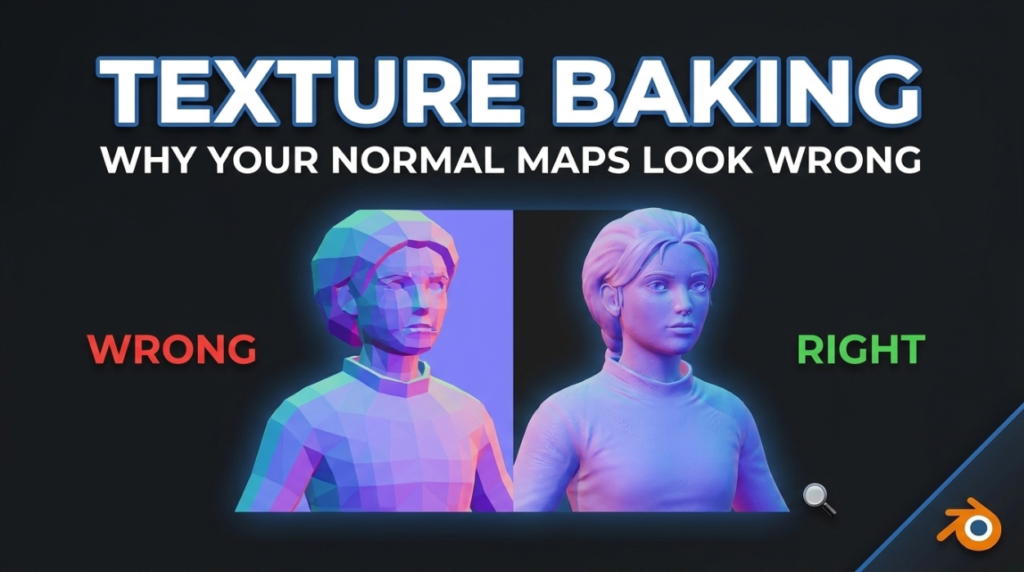
What Baking Actually Does
You have a high-poly sculpt with millions of triangles and a low-poly game mesh with a few thousand. Baking projects the high-poly detail onto the low-poly’s UV space as texture maps.
The result: geometry that runs in real time, appearing to have detail it does not actually contain.
The Maps and What Each Does
- Normal — fakes surface detail by altering how light bounces. The main event.
- Ambient Occlusion — contact shadow in crevices
- Curvature — identifies edges and cavities. Not used directly, but essential for driving wear masks.
- Position and Thickness — used for masking and subsurface effects
Why Bakes Fail
Almost always one of these:
Cage or ray distance wrong. The projection either misses the high-poly entirely or catches geometry it should not. Symptoms are missing detail or bleeding from nearby parts.
Overlapping UVs. Fine for tiling textures, fatal for baking — two faces sharing UV space will fight over the same pixels.
Meshes not aligned. The low and high poly must occupy the same space. Obvious, and still a frequent cause.
Hard edges without UV splits. This produces the visible seams and gradient artefacts people blame on the baker. Every hard edge needs a UV seam.
The Normal Map Green Channel
OpenGL and DirectX normal maps invert the green channel relative to each other. Blender and Unreal disagree.
If your surface detail looks inverted — dents reading as bumps — that is the cause. Flip the green channel at bake time rather than fixing it later.
Explode the Bake
For objects with separate parts close together, move each piece apart before baking — both high and low poly, by the same offset. This prevents parts capturing each other’s detail, and it is standard practice on anything mechanical.
Check It in Engine, Early
Colour space is the usual late surprise. Normal, roughness and AO maps are data, not colour — set them to Non-Color in Blender and disable sRGB in your engine. Get this wrong and every value is subtly incorrect.
More in our guide to PBR explained properly and texture export mistakes.

