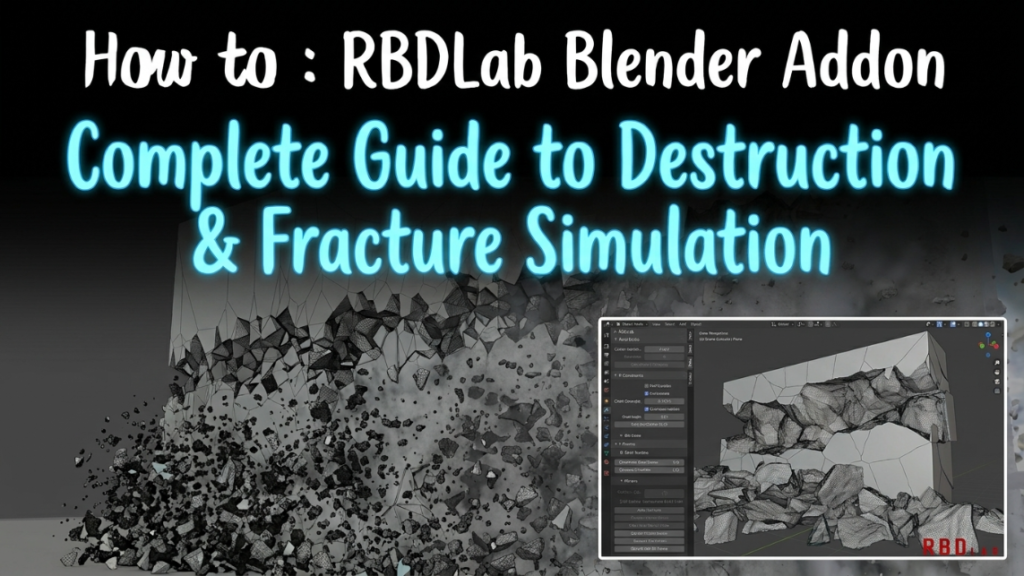
Every destruction effect in a game is built one of two ways, and choosing wrongly is the most expensive mistake in the discipline. The split is baked versus dynamic, and almost no tutorial explains when each one wins.
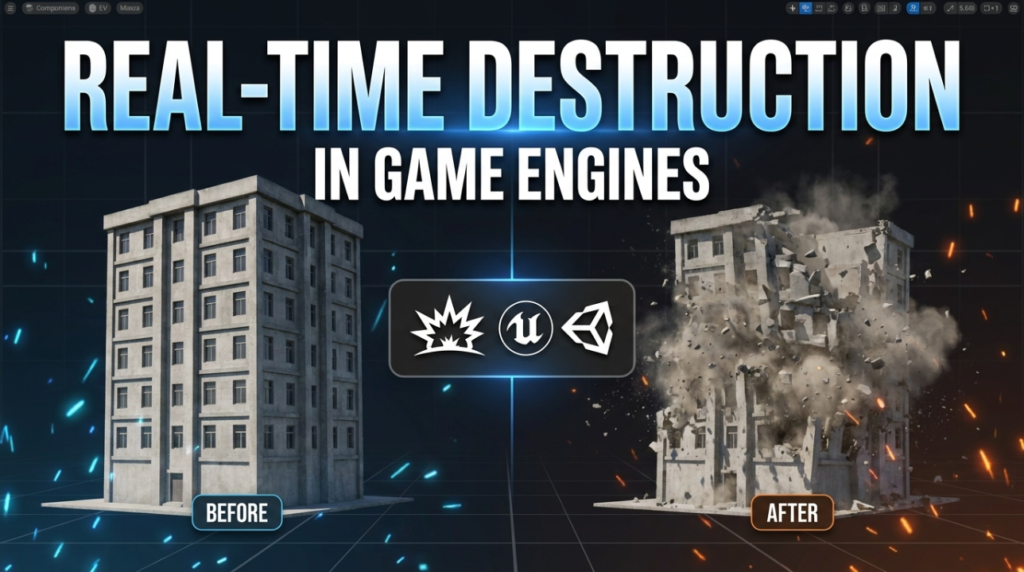
Baked: Simulate Once, Play It Back
You simulate the destruction offline in Houdini, then bake the result into something the engine replays cheaply — usually an FBX animation or Vertex Animation Textures (VATs).
VATs are the clever part. Instead of storing animation as bones or transforms, per-vertex motion is written into a texture. The GPU reads that texture and moves the vertices. The CPU does almost nothing.
What you gain: extremely cheap playback, identical results every time, and simulation quality far beyond anything an engine could compute live — you can spend an hour per frame in Houdini if the shot needs it.
What you lose: interactivity. The building collapses the same way whether the player shot it from the left or the right.
Dynamic: Simulate at Runtime
Unreal’s Chaos physics fractures and simulates during play. The player shoots a wall and it breaks according to where the impact actually landed.
What you gain: genuine interactivity. Every collapse differs because every impact differs, and debris interacts with the world.
What you lose: performance and control. Runtime simulation costs CPU, results vary between runs, and you cannot art-direct a shape you did not author. It is also non-deterministic, which matters in multiplayer.
The Rule Production Actually Uses
Bake what the player watches. Simulate what the player touches.
A scripted tower collapse in a cutscene is baked — it happens identically every time, so simulating it live buys nothing. A crate the player shoots is dynamic, because responding is the entire point.
Most shipped games use both in the same scene. The skill is knowing which is which before you build anything.
The Part That Actually Costs Performance
Not the fracture. The debris.
Breaking a wall into 200 pieces is a one-time cost. Keeping 200 rigid bodies simulating, colliding and rendering is a per-frame cost, and it compounds every time something else breaks.
That is why production destruction systems spend most of their complexity on debris management — sleeping bodies that have come to rest, despawning pieces outside the view, swapping simulated chunks for cheap static ones, and capping the total active count.
Same principle as everywhere else in real-time work: see our guide to optimising models for games.
Clarity Beats Fidelity
Worth saying plainly, because it is the trap ambitious destruction falls into: if debris and dust obscure what the player needs to see, the effect has failed no matter how good the simulation was.
Competitive and action games restrain destruction deliberately for this reason. Readability is a design constraint, not a compromise.
Learning the Full Pipeline
Grayson Cotrell teaches a 25-hour workshop on exactly this through DoubleJump Academy — Game Destruction in Unreal Engine: From Theory to Mastery.
His background is the relevant credential: he is a Technical Artist at Naughty Dog specialising in dynamics and destruction, building the tools and workflows their dynamics department uses for game-ready destructible objects.
The syllabus covers the split above directly — baked versus dynamic simulations, FBX and VAT destruction pipelines, Chaos physics and force fields, Niagara particles, Blueprints, VDBs, and physically-based wire simulation.
Two things worth knowing before you plan around it: it uses Houdini alongside Unreal, so it is not an Unreal-only course, and the project files are built for Houdini 20.5.370 — the site notes newer versions may need tweaking. It is intermediate level and paid, starting at $549.
Free Routes In
Unreal’s Chaos documentation and its free destruction sample content cover the fundamentals at no cost. For the Houdini side, Apprentice is free for non-commercial use — see our guide to Houdini licence tiers.
More free tooling in our Unreal Engine plugins roundup.