Rigify is a practical Auto-Rig Pro alternative for Blender artists who need an editable control rig in 2026. Treat the replacement as a workflow: generate the rig, inspect the skinning, retarget required motion and verify the engine export. Mixamo can supply humanoid motion, while AccuRIG offers a different route to initial character rigging. Evaluate those jobs separately before choosing a combination.
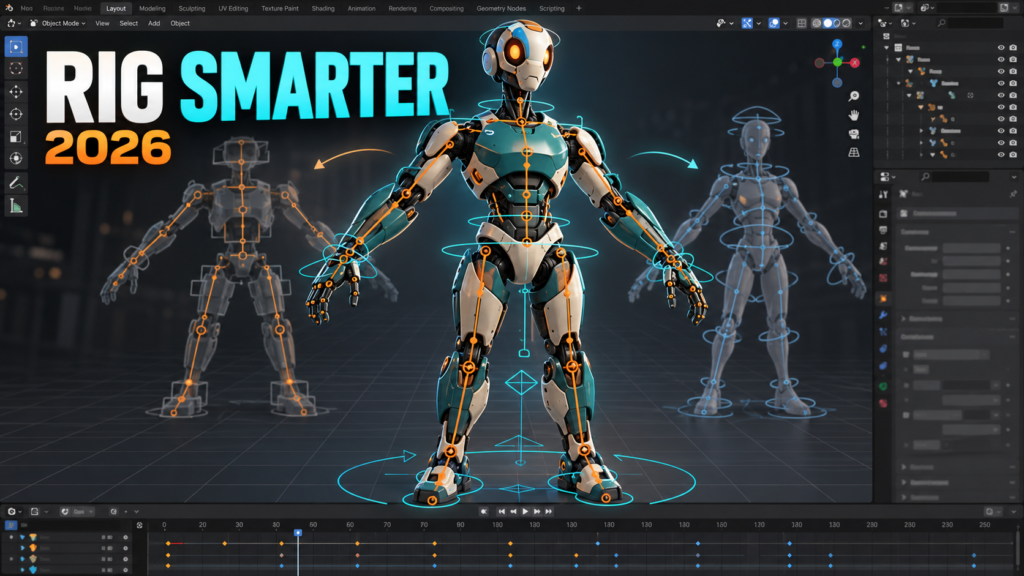
This guide builds a migration test around one finished character. You will judge the result by editable controls, clean deformation and a successful engine import—not by how quickly a skeleton appears. Product capabilities were checked against official documentation on October 18, 2026; this is a proposed workflow, not a claim of a hands-on benchmark.
Choose an alternative by the job you need to replace
| Your immediate job | Candidate to evaluate | Acceptance test |
|---|---|---|
| Build and animate a control rig inside Blender | Rigify | Pose, revise and export a representative action |
| Get humanoid motion onto a character quickly | Mixamo | Check shoulders, fingers and the intended motion license |
| Start from an automatically rigged character | AccuRIG | Inspect the exported skeleton and deformation in your destination |
Rig generation, skin weighting, motion retargeting and game export are separate jobs. A tool that completes one job well may still require another application or a manual step for the next. Write down which Auto-Rig Pro features your current character actually uses before deciding that a replacement is cheaper.
Build the smallest useful Rigify migration test
Work on a duplicate character file. Record the original object names, armature relationship and a few reference poses. Keep your current production file available so a failed experiment does not become a forced migration.
Start with a suitable metarig and fit its joints to the character. Prioritize shoulders, elbows, knees and the pelvis over cosmetic precision in unused details. Generate the control rig, bind the intended meshes and perform a slow pose check before importing a motion library. Keep the metarig as the source for later rig changes; treat the generated rig as an output you may need to regenerate.
Test a crouch, an overhead reach, a bent elbow and a planted foot. Add a short action that includes translation and rotation. A neutral standing pose can hide incorrect weights and an unsuitable joint position, so it is a poor acceptance test on its own.
Make export a separate acceptance gate
Do not assume that a control rig is the skeleton your game needs. Decide which bones deform the mesh, which controls are authoring helpers and which object or bone carries movement. Bake evaluated animation onto the intended export skeleton when the destination cannot reproduce Blender constraints.
Create a fresh engine project and import the mesh plus the short action. Check scale, orientation, clip length, the rest pose and movement. Then re-export a small revision. If the second import breaks references or changes the skeleton unexpectedly, solve that before migrating more characters.
Keep a brief export note next to the asset: Blender version, generator version, target engine, exporter preset and the chosen root convention. This note is more useful than a screenshot of a preset whose surrounding assumptions nobody remembers.
Calculate the real cost before you switch
A free tool can still cost several evenings of weight cleanup or pipeline repair. Compare one-time setup, repeated per-character work and the work needed after a rig change. Include facial animation, non-humanoid anatomy and existing action compatibility if your project depends on them.
If the replacement handles your common character well but fails your most complex character, keep a mixed workflow while you investigate. You do not need to migrate an entire project to prove that one alternative is useful.
For a broader product overview, read our Auto-Rig Pro alternatives comparison. Use this article as the practical switching checklist that follows that decision.
Frequently asked question
Can Rigify replace Auto-Rig Pro completely?
It can cover an important part of a Blender control-rig workflow, but complete replacement depends on your character, retargeting, facial and export requirements. Validate those jobs separately.
Official references and scope
Sources checked October 18, 2026. Interface names and capabilities can change; use the documentation for your installed version. The workflow above is an editorial checklist, not a published hands-on benchmark.