
Auto-Rig Pro is the default recommendation for Blender rigging, and for good reason: Smart bone detection, mocap retargeting and clean game-engine export save real hours. But at roughly 25 dollars for Lite and 50 for the full version, plenty of artists want to know what else is out there in 2026, whether that is because of budget, because it is maintained by a single developer, or simply because a free tool already covers what they need.
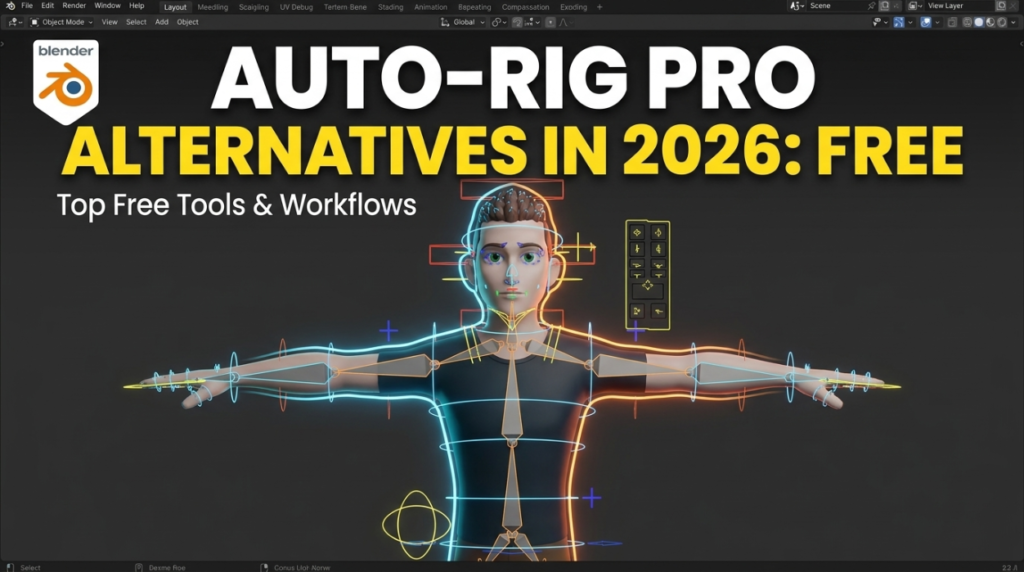
This guide covers the genuine alternatives, what each one is actually good at, and how to pick without wasting a weekend finding out the hard way.
Why Look for an Auto-Rig Pro Alternative in 2026?
Three reasons come up repeatedly. Cost is the obvious one. The second is the single-developer risk: Auto-Rig Pro is built by one person, so there is no guarantee of a fast fix when a breaking Blender update lands. The third is simpler than people admit, which is that many projects do not need what Auto-Rig Pro does best. If you are not exporting to a game engine and not retargeting mocap, you are paying for features you will never open.
What Is the Best Free Auto-Rig Pro Alternative?
Rigify, and it is not close for most people. It ships inside Blender, costs nothing, and is developed alongside Blender itself, which removes the single-point-of-failure problem entirely. You align a metarig to your character, hit generate, and get a production-capable armature with IK/FK switching and snapping, limb isolation and space switching.
The honest trade-off is user experience. Rigify’s metarig is a separate armature, so deleting it after generation makes later adjustments painful. Auto-Rig Pro’s non-destructive workflow is smoother. But in terms of the rig it produces, the two are genuinely comparable.
Rigify vs Auto-Rig Pro: Which Should You Choose?
Choose Auto-Rig Pro if you rig characters regularly, export to Unity, Unreal or Godot, or retarget mocap. Its export pipeline and Smart detection buy back more time than anything else on this list.
Choose Rigify if you are learning, rigging occasionally, staying inside Blender for renders, or on a zero budget. It is also the safer long-term bet because it is maintained with Blender core.
What Is CloudRig and Who Is It For?
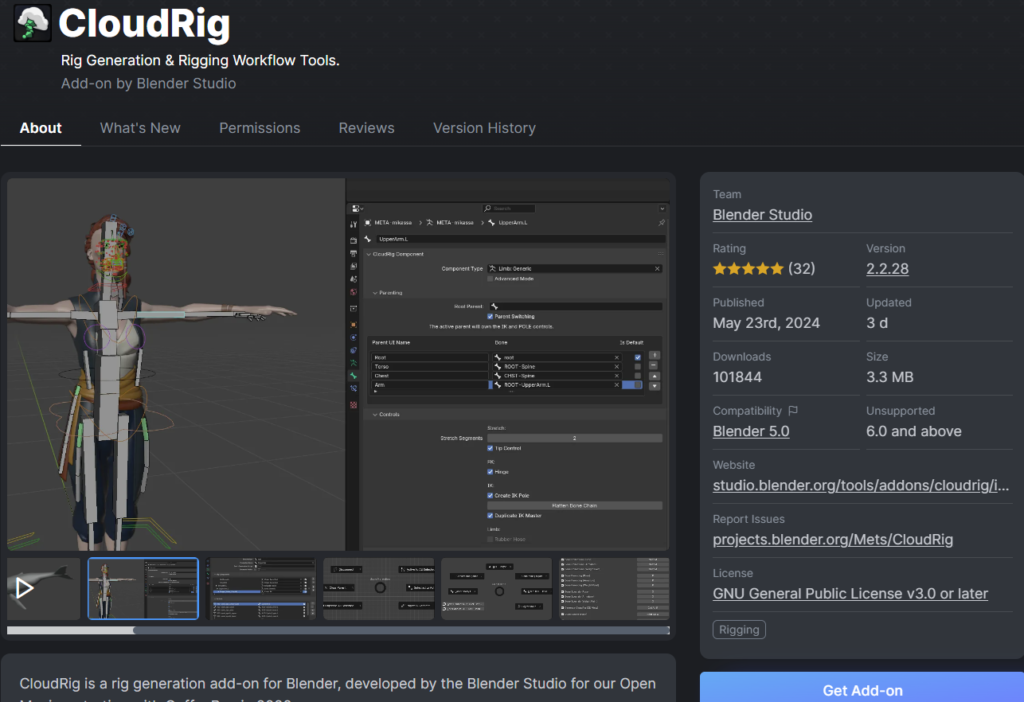
CloudRig is a fork of Rigify maintained by the Blender Studio and used on their own productions. It keeps the Rigify foundation and adds deeper customization for people willing to learn its conventions. If you want a production-grade, free framework and you are not scared of complexity, this is the strongest step up from stock Rigify.
Is BlenRig a Good Alternative for Deformation Quality?
BlenRig 6 is a free auto-rigging system with feature-film pedigree. It provides a full body and facial rig plus an advanced deformation system that mimics muscle and skin behaviour, which is where it beats both Rigify and Auto-Rig Pro. You fit its armature to your mesh through a guided proportion-editing step, then generate.
It is the pick for character artists who care most about how the mesh deforms, and who are willing to invest in a longer setup to get it.
What About One-Click and Browser-Based Rigging?
For one-off humanoids, Adobe Mixamo still rigs and animates a character in a browser for free, with a large motion library attached. AccuRIG is another free option that handles non-standard poses well for cross-platform work. Neither gives you the editable, production-grade control rig that Rigify or Auto-Rig Pro produce, but for a background character or a quick prototype they are faster than both.
How Do You Fix Weight Painting Without Auto-Rig Pro?
This is the part people forget when comparing riggers. A large share of Auto-Rig Pro’s value is its skinning, so if you go free, replace that piece deliberately.
Robust Weight Transfer is the strongest free answer. It moves skin weights from a body onto clothing in one click, handling the areas that normally break (armpits, between the legs, across the chest) so you correct edges instead of painting from scratch. One thing worth knowing before you try it: transfer quality depends on how closely the garment sits to the body mesh, so get the fit right first, transfer second.
Pair it with AutoGrip, which makes rigged hands grab meshes automatically and saves hours of manual finger posing.
Which Alternative Is Best for Game Engine Export?
Be honest with yourself here: this is Auto-Rig Pro’s strongest category, and no free tool matches its dedicated Unity, Unreal and Godot export presets. Rigify can be exported, but it requires manual setup and bone cleanup. If game export is your main workflow and you rig often, the 50 dollars pays for itself quickly. If you export rarely, do it manually and keep the money.
Can You Just Build Your Own Rig?
For a single hero character on a long project, a custom rig gives you control and understanding that no auto-rigger provides, and you avoid inheriting limitations mid-production. Start from a free reference rig like the Mannequin Rig by Pierrick Picaut to study how a well-built armature is structured, then use Rig Creator to cut down the repetitive setup.
Auto-Rig Pro Alternatives Compared
- Rigify — Free, bundled with Blender. Best all-round free choice and the safest long-term bet.
- CloudRig — Free. Blender Studio’s Rigify fork, deeper customization, steeper learning curve.
- BlenRig 6 — Free. Best deformation quality, body plus facial rig, longer setup.
- Mixamo / AccuRIG — Free. Fastest for one-off humanoids, least control.
- Custom rig — Free but time-expensive. Best for hero characters on long projects.
Frequently Asked Questions
Is there a free version of Auto-Rig Pro?
No. Auto-Rig Pro is paid, sold as a cheaper Lite version and a full version. The developer distributes a free character called Mike as a reference rig, but that is a .blend file showing what Auto-Rig Pro output looks like, not the addon itself. Searching for a free download mostly leads to pirated mirrors. Use Rigify or Mixamo instead if budget is the issue.
Is Rigify good enough for professional work?
Yes. Rigify has improved substantially in recent years and is used by both professionals and hobbyists. For complex, long-running productions many riggers still build custom rigs, but that is true whether or not you own Auto-Rig Pro.
Does Rigify work for animals and non-humanoids?
Yes. Rigify ships with metarigs for various animals as well as humans, and supports deep customization if you are comfortable going further.
What is the best free alternative for weight painting?
Robust Weight Transfer, linked above. It is free, based on a published SIGGRAPH Asia method, and removes most of the manual painting from clothing and costume work.
Should I switch if I already own Auto-Rig Pro?
Probably not. If it fits your workflow and you use the export and retargeting features, switching costs you time and gains you little. These alternatives matter most for people deciding what to buy, not for people already productive.
The Bottom Line
Auto-Rig Pro is genuinely the best paid rigging addon in 2026, and if you rig regularly and export to engines it is worth the money. But the free alternatives have closed the gap far more than most comparison articles admit. Rigify plus Robust Weight Transfer covers the majority of what a solo artist actually needs, at zero cost, with no single-developer risk.
Browse free rigging and animation tools in the 3DxDEV Library, or read our roundup of free Blender rigging and animation add-ons.

