
Minecraft modelling has its own tooling, its own constraints and its own conventions — and almost none of it involves general 3D software.
Why Blender Is the Wrong Tool Here
You can model a Minecraft asset in Blender. You will spend most of your time working around the fact that Blender does not know what a Minecraft model is.
Minecraft models are box-based, use a specific JSON format, follow strict UV conventions, and need pixel-accurate textures. General 3D software understands none of that.
Blockbench Is the Answer
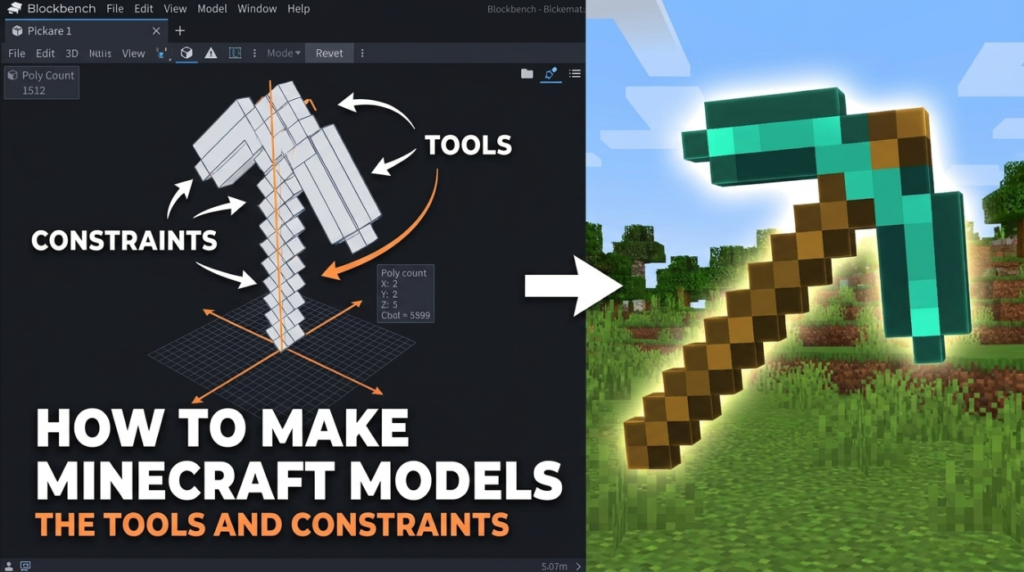
It is free, open source, runs in a browser or as a desktop app, and it was built for exactly this. Box modelling, integrated pixel texture painting, animation and format support that matches what the game expects.
The interface is deliberately small — add boxes, position them, paint faces. That is the job, and there is nothing else in the way.
The Constraints That Define the Style
- Boxes, not meshes — forms are built from rectangular volumes
- Pixel-scale textures — typically 16×16 per block face, and the low resolution is the aesthetic
- Nearest-neighbour filtering — crisp pixels, never blurred
- Limited palettes — consistency across assets matters more than detail within one
Where the Skill Actually Is
Not in the modelling — boxes are boxes. It is in texturing. A well-textured simple box beats a cleverly constructed model with weak texture work every time, because at Minecraft’s resolution the texture is doing nearly all the visual work.
Study existing textures. Notice how few colours they use, how shading is implied with two or three tones rather than gradients, and how silhouette reads at tiny sizes.
Beyond Minecraft
The skills transfer further than people expect. Low-poly box modelling with pixel textures is a legitimate style across indie games, and Blockbench exports to standard formats for Unity, Godot and Unreal.
Plenty of developers use it as a general low-poly tool with no Minecraft involvement at all — see our guide to voxel and low-poly art.

