
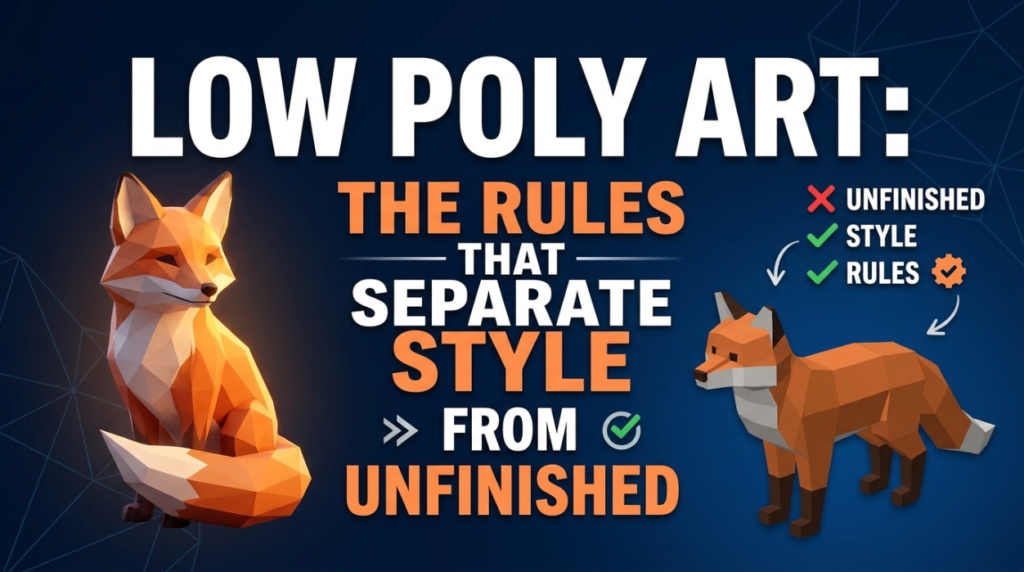
Low poly is not “fewer polygons.” It is a deliberate style with its own rules, and the difference between low poly and simply unfinished is entirely in whether those rules are followed.
The Silhouette Is Everything
With no surface detail to carry the read, the outline does all the work. A low poly tree is recognisable because its shape is unmistakable, not because it has bark.
Test by rendering your model as a flat black shape. If you cannot tell what it is, no amount of colour will rescue it.
Flat Shading and Why It Matters
The faceted look comes from flat shading — each face rendering as a single tone rather than smoothly interpolating across the surface.
Smooth shading on a low poly model produces the worst of both: too few polygons for smooth curves, but shading that pretends otherwise. The facets are the aesthetic; embrace them.
Colour Does the Heavy Lifting
Most low poly work uses vertex colours or a tiny palette texture rather than detailed maps. That is not a limitation, it is what unifies a scene.
A single shared palette across every asset is why good low poly scenes look coherent. Assets textured independently look assembled from different games.
Lighting Carries the Mood
With flat surfaces and simple colours, lighting is doing more work than in any other style. Strong directional light, clear shadows and a deliberate colour temperature turn a plain scene into an atmospheric one.
This is where most low poly work separates — the models are similar, the lighting is not.
The Practical Advantages
- Fast to produce — one person can build a whole game’s art
- Cheap to run — performance headroom on mobile and low-end hardware
- Ages well — stylised work does not date the way pursued realism does
- Forgiving — a slightly wrong vertex is invisible at this density
The Honest Caution
Low poly is common enough that it no longer differentiates on its own. It signals “indie” instantly, which is fine if that is your positioning and a problem if it is not.
The games that stand out use it deliberately — distinctive palette, strong lighting, consistent proportions — rather than defaulting to it because it is achievable.
Tools
Blender handles low poly well. Blockbench is faster for boxy forms, and free CC0 kits from Kenney and Quaternius are a good way to study proportions before building your own.

