Use one Blender character to compare Unity, Godot and Unreal import workflows with the same poses and clips. Track visual correctness, repair work and reimport behavior in a clean project for each engine. Keep the Blender source consistent while allowing each destination its appropriate import and retargeting setup.
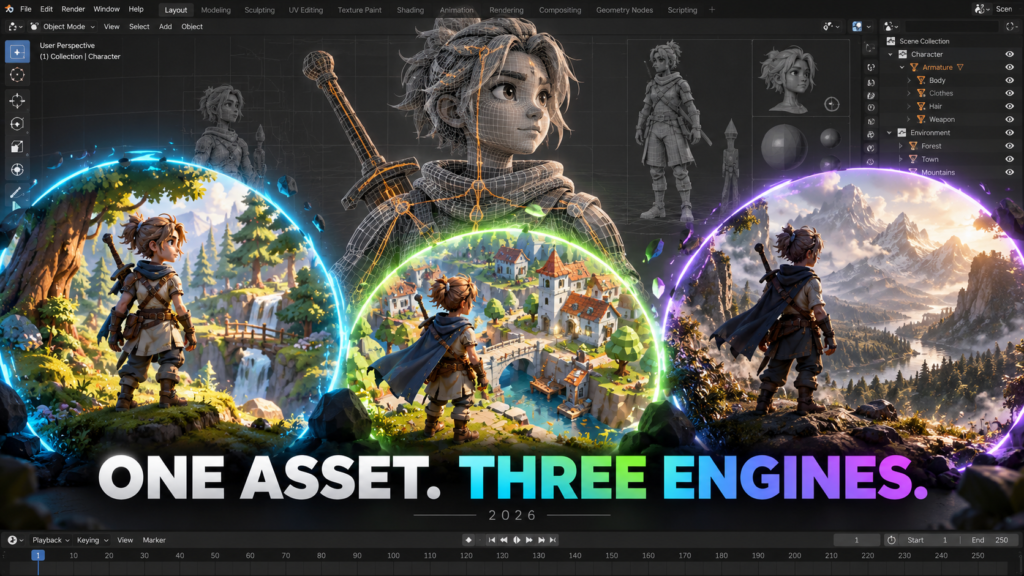
This is a test plan you can run, not a performance ranking. It separates visual correctness from import effort so a beautiful first frame does not conceal a broken animation pipeline.
Prepare a character that can expose real problems
Use a small, representative asset: a skinned mesh, a clearly identified skeleton and three short clips. Include idle, locomotion and an exaggerated reach. Add one accessory if your actual game uses attached objects. Avoid starting with your largest production character, because it makes every failed iteration slower.
Save the Blender source, textures and an export note in a versioned folder. Record your units, character height and forward direction. State whether locomotion is in-place or moves the root. The goal is to carry intentional decisions across applications, not to force identical exporter settings on three different importers.
Use the right success criteria in each engine
| Destination | First check | Second check |
|---|---|---|
| Unity | Choose the appropriate Humanoid or Generic rig workflow | Inspect the Avatar or root configuration and clip playback |
| Godot | Inspect the imported skeleton, scene and animation resources | Check BoneMap and rest-pose compatibility if retargeting |
| Unreal Engine | Confirm the imported skeletal asset and animation | Configure retarget chains when transferring motion to another skeleton |
Import into clean test projects. First play the asset’s own animation without gameplay scripts or a controller. Then test retargeting as a separate step. This isolates a bad import from a later animation-system mistake.
Record evidence instead of declaring a winner
For each engine, capture the same three poses and record the corrective steps you needed. Note missing textures, unexpected scale, rest-pose mismatch, root drift and clip-boundary errors. Mark each item as pass, repair needed or not applicable.
Then change one harmless source detail, such as a mesh adjustment that preserves the skeleton, and reimport. Record whether the engine preserves your animation setup and scene references. Repeat the exercise with a deliberate skeleton revision in a disposable copy. These two changes reveal different pipeline risks.
Measure the part that matters to your team: import preparation, troubleshooting, reimport stability or runtime behavior on target hardware. Never present the time spent by one artist as a universal engine-speed result.
Use search trends as an editorial signal, not an engine benchmark
In the US Google Trends topic comparison checked on October 18, 2026, over the preceding seven days, the displayed average relative-interest values were 47 for Unity, 27 for Godot and 17 for Unreal Engine. Those normalized values are not monthly search counts, market share or a reason to select an engine.
The original search-term comparison was less useful because “unity” also refers to non-software subjects. We therefore compared the game-engine topics. Rising related searches such as “Unity 6 LTS” and “Godot 4.8 beta testing” suggested practical release-testing questions worth answering.
For the broader decision, see our indie engine guide. For asset production, choose the pipeline whose repair and revision costs your project can sustain.
Frequently asked question
Should all three engines use the same file format?
Use a supported format appropriate to the destination and record the choice. A fair workflow comparison preserves the source asset and intended result, not necessarily every interchange setting.
Official references and scope
Sources checked October 18, 2026. Interface names and capabilities can change; use the documentation for your installed version. The workflow above is an editorial checklist, not a published hands-on benchmark.