
Retopology is the part of 3D that most people avoid until they absolutely can’t — and then spend hours on. The good news: in 2026 you don’t need an expensive add-on to do it well. A handful of free tools now cover the whole job, from drawing clean quads by hand to slicing, snapping and fixing bad topology. Here are the free Blender retopology and modeling tools actually worth installing.
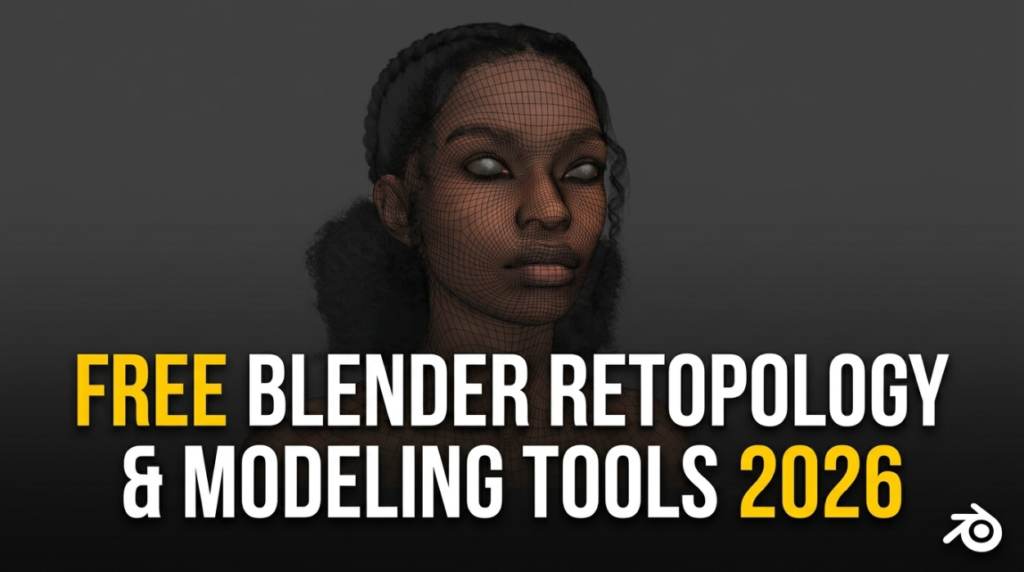
1. PolyQuilt — the hand-retopology workhorse
PolyQuilt is the tool that makes manual retopology fast instead of painful. One hotkey drives drawing verts, edges and faces, extruding and cleaning up — all in the viewport, all quad-first. If you only grab one tool from this list, make it this one.
2. Cut Plane — clean planar cuts with a live preview
Cut Plane lets you slice a mesh with a positionable plane and preview the result before committing. Perfect for splitting shapes cleanly during blockout.
3. Holey Tools — exact hole diameters
Holey Tools resizes mesh holes to precise diameters, which is exactly what hard-surface and 3D-printing work needs when bolts, pins and screws have to fit.
4. SnapMove — precise placement without the math
SnapMove lets you pick a point on a surface and snap objects exactly where you want them, on the axis you want — no typing coordinates, no bouncing in and out of edit mode.
5. Quick Bridge & Sculpt Bridge — close the gaps
Quick Bridge speeds up bridging edges and filling gaps while modeling, and Sculpt Bridge does the same inside sculpting workflows.
6. Surface Mesh & Bezier Utilities — curve-based surfacing
For smooth, curve-driven shapes, Surface Mesh builds car-body surfaces from Bezier curves, while Bezier Utilities gives you Illustrator-style curve control.
Build your free modeling kit
Stack these together and you’ve got a retopo-and-modeling setup that rivals paid bundles — for nothing. Browse them all, plus more free tools and node setups, in the 3DxDEV Library, or see our full roundup of the best free Blender add-ons in 2026.

