
Motion capture used to mean a studio, a suit, or a five-figure rig. In 2026 you can get usable animation out of a phone video. The question is no longer whether video mocap works, it is which tool fits your budget, your platform and your tolerance for cleanup.
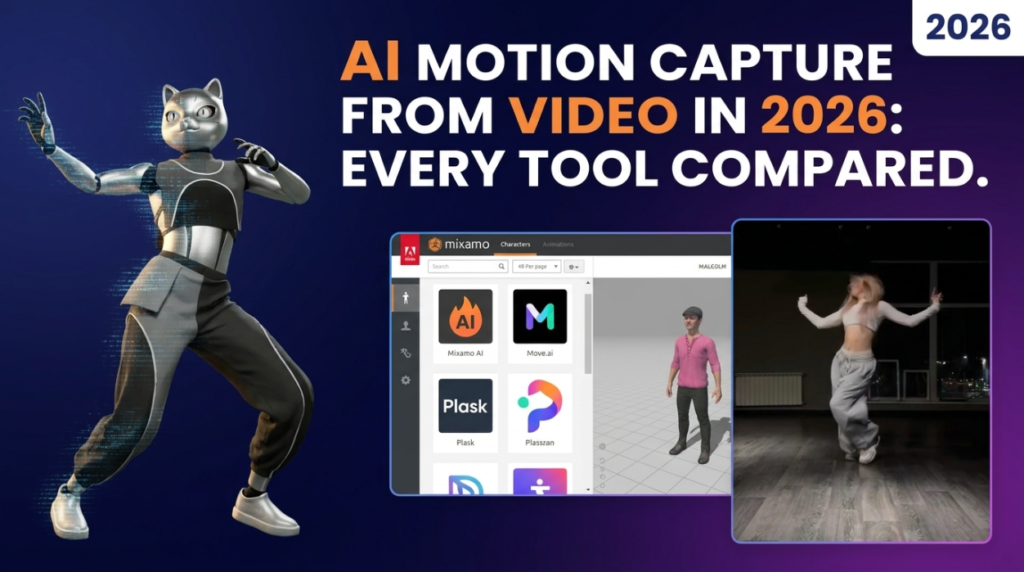
What Is the Best Video Mocap Tool for Blender Users?
If you already work in Blender and want everything to stay on your machine, BlendCap is the strongest fit. It tracks body, hands, fingers and face from one ordinary clip, runs fully offline after setup, and retargets straight onto Rigify, Auto-Rig Pro, CloudRig or Mixamo with FK to IK conversion built in. It is a one-time 60 dollars rather than a subscription.
The catches are real: Windows or Linux only, an NVIDIA GPU is strongly recommended, and setup pulls down about 11 GB.
What Is the Best Free Video Mocap Option?
Rokoko Vision has a genuinely usable free tier for single-camera capture, which makes it the right first stop if you have never tried video mocap. Dual-camera precision sits behind a paid plan. DeepMotion also offers a free allowance and is the most proven general-purpose video-to-motion pipeline, exporting FBX, BVH and GLB with optional physics to reduce foot sliding.
Both are cloud services, so your footage leaves your machine. For personal projects that is fine. For NDA or client work it may not be.
Cloud Subscriptions Compared
- Plask Motion — Browser-based, free tier, Pro around 30 dollars a month. Handles several people in one video. Good for blocking and previs.
- DeepMotion Animate 3D — Credit-based. Costs scale with how much you capture.
- Move.ai — The quality leader for markerless capture, especially multi-camera. Subscriptions start around 99 dollars a month, which prices out most solo animators.
When Is a Suit Still Worth It?
The Rokoko Smartsuit Pro II runs roughly 2,500 to 3,000 dollars, with finger gloves adding 500 to 1,500 more. It beats any camera-only tool on fidelity, works outdoors, and has no occlusion problem. If you are producing volume animation commercially, the maths works. For a solo indie project, it almost never does.
What About Skipping Capture Entirely?
Cascadeur is not mocap at all, it is physics- and AI-assisted keyframing with a free tier. For stunts and action that would be dangerous or impossible to film, it often beats trying to capture the motion in the first place.
The Honest Limitation Nobody Advertises
Every single-camera tool shares the same weaknesses: depth ambiguity, temporal jitter, foot sliding, and trouble with fast action, unusual poses and occlusion. Expect a cleanup pass. The realistic use for video mocap in 2026 is fast, believable blocking that an animator then polishes, and on that measure it is dramatically faster than keyframing from scratch.
Which Should You Pick?
- Never tried mocap — Rokoko Vision free tier. Costs nothing to find out.
- Blender-based, want it offline — BlendCap.
- Occasional captures, no strong platform preference — Plask or DeepMotion.
- Quality above all, budget available — Move.ai, or a suit.
- Stylised or physically impossible motion — Cascadeur.
Pair whichever you choose with free rigging tools from our rigging and animation roundup, or browse the full 3DxDEV Library.
Disclosure: some links on this page are affiliate links. They cost you nothing extra and help support 3DxDEV.

