
Blender’s built-in fluid simulation runs on the CPU, and anyone who has waited overnight on a Mantaflow bake knows what that costs in iteration. Doriflow takes the other route: a GPU-accelerated multiphysics engine that lives inside Blender and handles fluids, solids and particles in one solver stack, rather than as separate systems that largely ignore each other.
What it simulates
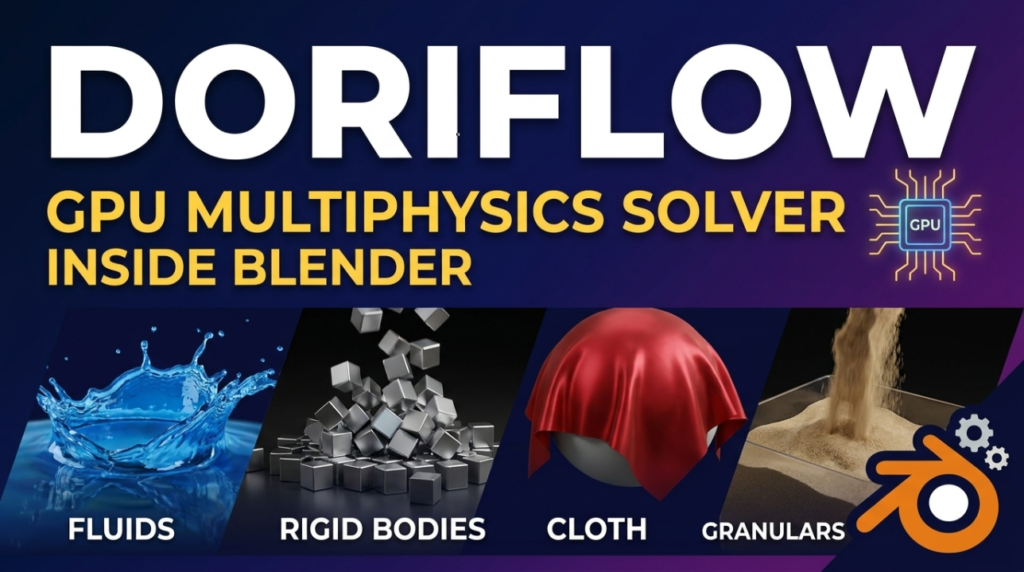
The developer describes it on the Doriflow site as the first GPU-accelerated multiphysics simulation engine for Blender, built to simulate fluids, particles and solids with accurate physical interactions inside a single unified workflow. In practice that covers fluids, rigid bodies, cloth, granular particles and robotics, with output as particles, meshes or whitewater. There is geometry nodes integration, multi-threaded CPU-GPU processing, and a dedicated ocean wake feature.
The headline claim is up to 200x faster than traditional solvers. Treat that as the vendor’s number: there is no published benchmark methodology behind it, and “traditional solver” is doing a lot of work in that sentence. The interaction story is the more interesting part: a fluid that pushes a rigid body that in turn drags a piece of cloth is exactly what Blender’s separate solvers handle badly.
Where the version sits
The published version release notes track the add-on from a 1.0 that focused on fluid-solid interaction to the current 1.3 line. Version 1.3 added new gas and granular solvers plus improved solid-boundary handling. 1.3.1 was a stability pass: a fix for solid centre-of-mass export so the JSON data is correct for external pipelines, safer grid prefixing for rigid bodies, an allocation fix for large rigid body scenes, and Euler-based solid motion import for consistent playback of animated solids.
The most recent entry, 1.3.2, is about memory. It brings revised bounding-memory management that the developer says resolves roughly 95% of CUDA out-of-memory errors, plus an adaptive timestep that automatically reduces an oversized timestep to keep the sim stable. Those are unglamorous release notes, and that is a good sign. Out-of-memory crashes and diverging solves are what actually kill a simulation add-on in production, not the feature list.
What you need to run it
NVIDIA with CUDA 10.0 or newer and at least 5 GB of VRAM, or an Apple Metal GPU from M1 onward. Windows 10 64-bit or macOS 12.0 and up, with 16 GB of RAM as the stated minimum. No AMD support is listed, which rules out a meaningful slice of Blender users on Radeon cards. Blender compatibility is given as 4.0 through 5.0, so if you have moved to the 5.2 LTS line or later, check before you buy.
Two limits are documented rather than buried. Only one active domain is supported per simulation, which the developer frames as a performance and accuracy decision. And Blender’s native Render Animation works normally with everything except whitewater particles. The FAQ also asks you to remove the previous version before updating and to be on Blender 4.1.1 or newer when you install.
Who should look
Licensing is three tiers: a free Demo limited to fluid-solid interaction, a Basic tier with the core solvers and lifetime updates, and an Advanced tier that adds the advanced solvers and an industry meshing engine. Current pricing is on the site.
The Demo is the honest way in: speed claims on simulation tools mean nothing until you run your own scene on your own GPU. If you are a Blender artist doing water, ocean or granular work, or destruction where the fluid and the debris need to know about each other, this is the category of add-on worth a weekend. If you are on an AMD GPU, or already living on a newer Blender release, wait.

