
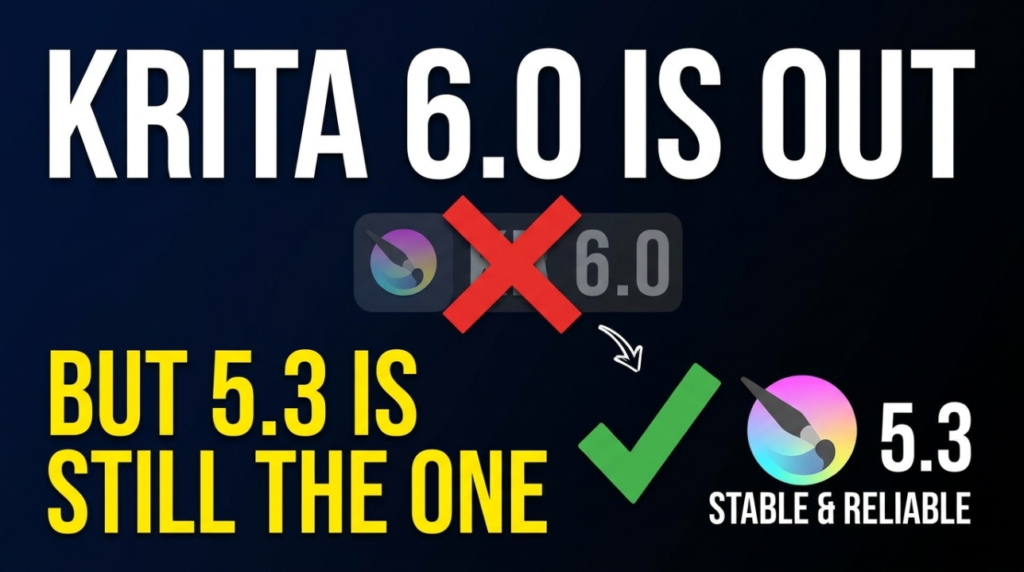
Krita’s most recent release, on 29 July 2026, was actually two releases: Krita 5.3.3 and Krita 6.0.3. That is not a packaging mistake, and if you use Krita for texture work or concept blockouts it is the one thing worth understanding before you hit update.
Two branches, one download page
The 5.3 line is the Qt5 build. 6.0 is the same application ported to Qt6. Krita’s announcement is blunt about the split: 5.3.3 is considered suitable for productive work, while 6.0.3 is described as more experimental because of the complexity of the Qt5-to-Qt6 migration. 6.0.3 is available for Windows, Linux and macOS; the Android APKs are 5.3.3 only, since 6.0 is not finished there. macOS builds need 10.15 Catalina or newer.
The practical reading: install 5.3.3 for anything you have to deliver, and run 6.0.3 beside it if you want to help surface the Qt6 regressions before they matter.
What 5.3.3 fixes
- Memory handling in the frame undo command
- Layers being deselected part-way through a transform
- HDR animation rendering under FFmpeg 7.0 and newer
- Crashes when deleting a text shape
- Deadlocks in the perspective transform
- XMP and EXIF metadata handling
Beyond that there are fixes to animation actions, the welcome page, UI scaling on Android and font family sorting. 5.3.3 also adds in-app supporter donations on Android through the Play Store, which unlock resource bundles including the paid Digital Atelier set. Krita states plainly that “You are not required to make any purchases, no features are locked behind a paywall.”
What is landing next
The August 2026 monthly report, published 20 August, lists what has gone into the development builds since. Animation rendering now works on Android via MediaEncoder and LibAV — the first time a frames-to-video export exists on that platform. The Transform tool’s Liquify mode gained a Restore Shape option that undoes previous distortions while keeping the new position of a shape, with optional preservation of rotation, scale and stretch. The colour sampler can show a zoomed preview so you can pick an exact pixel, under Preferences → General → Cursor. HDR metadata is now written into .kra files and shown in Image Properties.
One removal is worth flagging: XCF import has been dropped because the libraries behind it are too outdated to maintain. If a project of yours still depends on GIMP files, export them to OpenRaster (.ora) now rather than the week you need them. Development builds are split into Krita Plus (5.3.4 and 6.0.4-prealpha) and Krita Next (5.4.0 and 6.1.0-prealpha).
Why a 3D artist should care
Krita is one of the few free painting applications that is genuinely comfortable for texture work — hand-painted albedo, mask cleanup, decal sheets, matte painting behind a render. If that is where it sits in your Blender, Unreal or Unity pipeline, the Qt6 port is the boring kind of important. It is the work that keeps the application viable on current Linux desktops and recent macOS for the next several years, and none of it shows up as a feature you can point at in a release video.
So the takeaway is short. Update to 5.3.3. Do not move production work onto 6.0.x yet. Convert any XCF files you still rely on. And if you paint on Android, the animation export you have been waiting for is in the development builds rather than the stable one.
The full changelogs are in the Krita 5.3.3 release announcement and the August 2026 monthly report on krita.org.

