
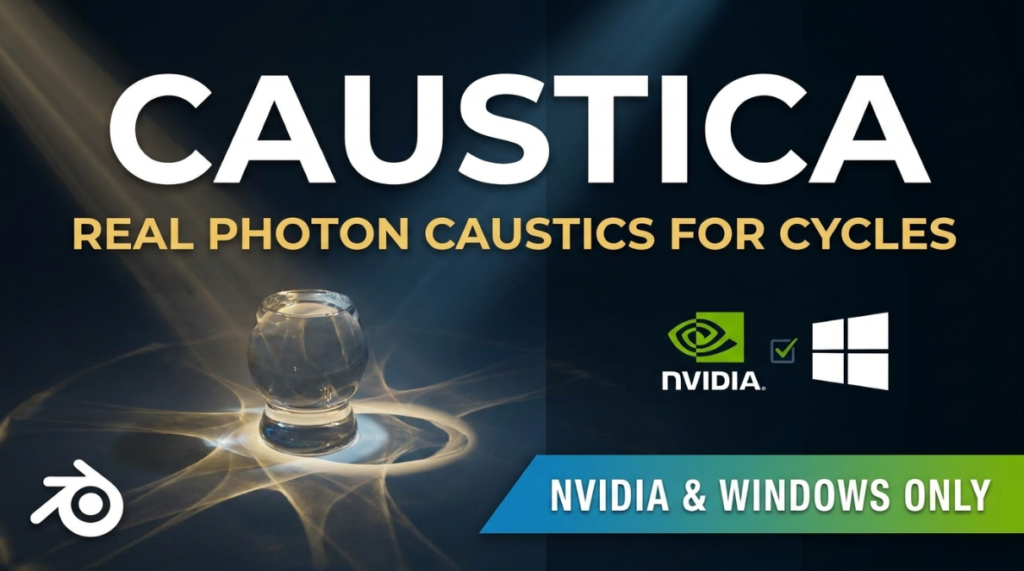
Caustics are the effect path tracers are worst at. The focused light that glass, water and polished metal throw onto a nearby surface comes from paths that hit a specular surface before landing on something diffuse, and those paths are miserable to sample. In Cycles you either render them and watch the noise refuse to resolve, or you fake one with a projected texture. Caustica, an add-on by Henrik Soeltzer, takes the other route: it stops path tracing them and traces photons instead.
What it does
The Caustica listing on Superhive describes it as real photon-traced caustics inside Cycles, using progressive photon mapping traced on the GPU through NVIDIA RT cores. You turn it on with one checkbox at Render Properties > Light Paths > Caustics > Photon Caustics Solver, and it runs against the materials and lights already in your scene.
Four settings do most of the work. Photon Count buys finer detail without adding grain. Detail trades sharpness against grain and is meant to be paired with high sample counts and denoising. Intensity is an artistic multiplier where 1.0 is the physically accurate result. Casters switches between every material in the scene and a hand-picked set, with a per-material toggle and per-light switches that take a light out of the photon budget so the ones that matter get more of it.
One choice in the Caustica documentation is worth knowing up front: the gather radius is measured in screen-space pixels, not world units, so scaling the scene does not change the result.
Pipeline behaviour
Light Groups each get a dedicated caustics AOV pass, deliberately left undenoised. Denoising is non-linear, so denoised light group passes would not sum back to the beauty render: if you composite per-light and need the maths to close, leave that pass alone. Animation is deterministic, with every frame rendering identically each time, which is the difference between usable caustics and a flickering sequence.
What it needs
This is the part that will decide it for most people. Caustica targets Blender 5.2 LTS and Cycles only, not EEVEE. It needs an NVIDIA RTX 2000-series card or newer through CUDA and OptiX, on Windows; AMD, Intel and Apple Silicon are not supported. A CPU solver exists, but the documentation says it runs in fast mode only, with the accurate material path staying GPU-exclusive. It runs on a single GPU for now — several cards still render correctly, just slower because of photon map handoff — and multi-GPU distribution is listed as in active development. It is $59 on Superhive with lifetime updates included for future LTS releases. The 100M+ photons per second figure is the developer’s own, with no published methodology behind it.
Rough edges the docs admit to
- The standalone Metallic BSDF node is not supported yet. Principled BSDF works.
- Textured emission reads as white. Constant emission colours behave.
- Coat normal maps are unsupported.
- Importing geometry while the viewport is in Rendered mode can freeze with an illegal address error in the CUDA queue, and clearing it means restarting Blender.
Who this is for
Archviz with pools and glazing, product renders with bottles and jewellery, and anyone who has been faking a caustic with a projected texture and hating the result. Cycles has shipped its own Shadow Caustics option since 3.2 and it is free, but it needs casters and receivers tagged by hand and covers a narrower set of cases. For game artists the relevance stops at marketing renders and key art, since none of this reaches an engine. If you are on AMD, on a Mac, or working in EEVEE, this is not yet a tool you can buy.

