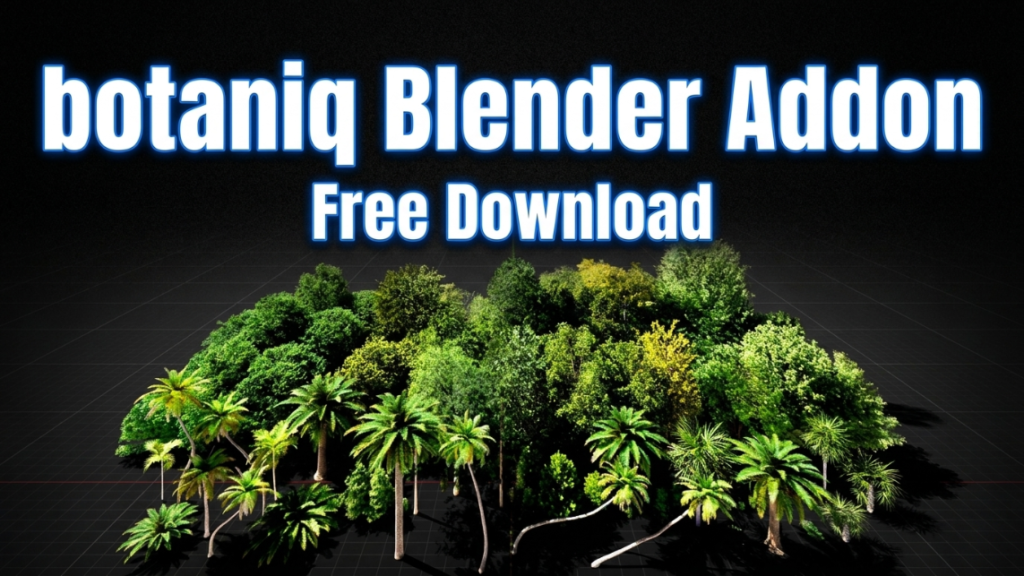
Searching for the Botaniq addon free download? Botaniq is one of the most popular vegetation libraries for Blender, giving artists thousands of high-quality, ready-to-use trees, plants, grasses, and flowers. In this guide we explain what Botaniq is, how to get it the right way, and how to use it to fill your scenes with realistic nature in minutes.
What Is the Botaniq Addon for Blender?
Botaniq is a massive vegetation asset library and addon developed by Polygoniq. It ships with thousands of professionally modeled plants, trees, and shrubs, all optimized for Blender and organized in an easy-to-browse asset browser. Instead of modeling foliage from scratch, you drag and drop realistic plants straight into your scene, complete with materials, wind animation, and level-of-detail options.
Key Features of Botaniq
- Thousands of assets – trees, bushes, grass, flowers, indoor plants, and seasonal variations.
- Animated wind – add believable movement to foliage with a single click.
- Optimized geometry – multiple detail levels keep viewport and render performance manageable.
- Scatter tools – populate large areas with vegetation quickly.
- Regular updates – new plants and features are added over time.
Can You Download Botaniq for Free?
Botaniq is a paid, commercial addon available from official sources such as Blender Market and the Polygoniq store. While many people search for a free download or a “crack,” we strongly recommend purchasing it from the official marketplace. Cracked versions are usually outdated, missing assets, lack updates, and can expose your system to malware. Buying the legitimate version also supports continued development.
How to Install Botaniq in Blender
- Purchase and download the Botaniq .zip file from the official marketplace.
- In Blender, go to Edit > Preferences > Add-ons > Install.
- Select the downloaded .zip file and enable the addon.
- Point Botaniq to its asset folder if prompted.
- Open the Botaniq browser and start dragging plants into your scene.
Free Alternatives to Botaniq
If you are not ready to buy, there are free options to get you started. Blender’s built-in asset browser, free vegetation packs from reputable sources, and the Sapling Tree Gen addon (included with Blender) can all help you create plants without spending money, though none match Botaniq’s scale or convenience.
Final Thoughts
Botaniq is a fantastic time-saver for environment artists, architectural visualizers, and anyone who needs realistic greenery fast. Get it from the official source to enjoy the full library, updates, and support. Looking for more essential Blender tools? Add dynamic destruction to your scenes with our RBDLab destruction guide, or create clean, animation-ready models with our RetopoFlow 4 guide.