
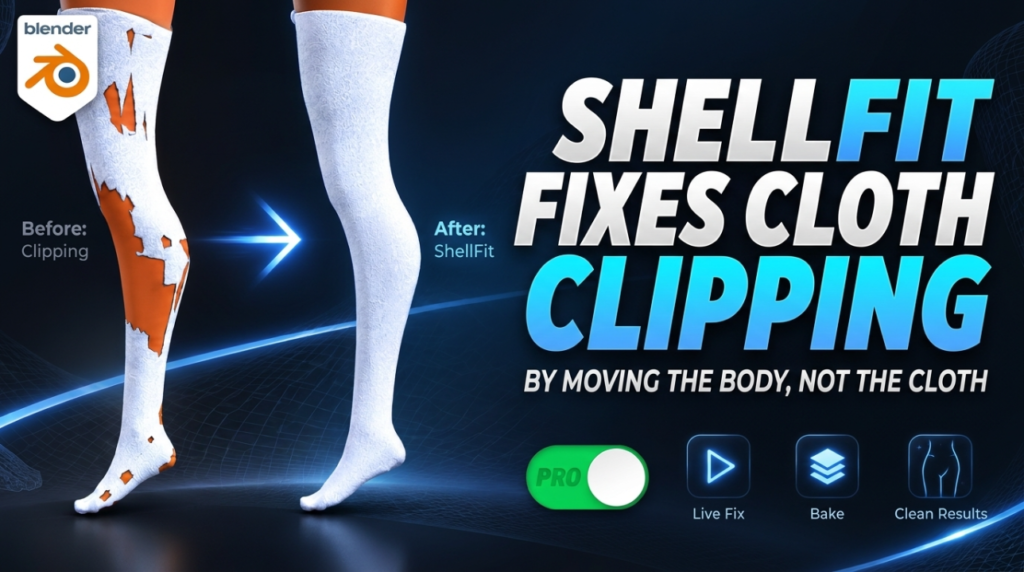
Clothing that pokes through a character is the kind of problem that quietly eats an afternoon. You fit a jacket, you pose the arm, an elbow comes through the sleeve. cvELD ShellFit, a Blender add-on published by cvELD, treats that as a solvable geometry problem rather than a sculpting chore — and it can attack it from either side, by moving the cloth out or by moving the body in.
Two directions, not one
Most fitting tools do one thing: push the garment outward until it clears the body. ShellFit offers that as Cloth Moves, but it also offers Body Moves, which pushes the body mesh inward so it sits under the shell instead. According to the cvELD ShellFit listing on Superhive, both are first-class workflows.
The distinction matters more than it sounds. Pushing cloth outward changes the silhouette — the thing the viewer actually reads. Pushing the body inward leaves the garment exactly as the modeller shaped it, and nobody sees the body under it anyway. For a fixed outfit that is usually the better trade.
On top of that sit three fitting modes: Shell for thin cloth, Solid for thick shapes, and Auto, which detects which case it is looking at.
The controls worth knowing
You pick a body object and a cloth object, then set clearance, strength and search radius, with the result updating live before you commit to anything. The rest of the feature list is mostly about limiting damage:
- Shape key baking or a destructive mesh bake — keep the fit as a blendshape you can dial back, or write it into the mesh
- Vertex groups and weight painting — restrict the deformation to the area that is actually broken
- Rigid First for solid objects and Squeeze Bulge for rings and sock cuffs, where the cloth should compress the body rather than the reverse
- Boundary Loop Fit to close gaps at garment openings, and QuickShellFit for local touch-ups and data transfer
- Ornament preservation and skirt-hem protection, so trims and hems are not flattened by a global pass
It also works on posed meshes and alongside a Solidify modifier, and supports refinement passes rather than expecting one perfect run.
Why this lands for game and avatar work
Shape-key output is the detail that makes this useful downstream. A fit stored as a blendshape is non-destructive, reversible, and travels with the mesh into engines and avatar pipelines that already read shape keys. If you build VRChat avatars, outfit clipping is a per-garment problem you re-solve every time you swap something in, and hand-shrinkwrapping each one is the tax you pay.
The caveat is the same one that applies to any body-hiding approach: if the body is going to be seen on its own, or if the outfit gets swapped at runtime, a permanently squashed body mesh is a problem, not a fix. Use Body Moves where the body stays covered, keep shape keys rather than destructive bakes where it does not, and bake on a duplicate either way.
Price and compatibility
ShellFit is $9.99 on Superhive and covers Blender 4.5 through 5.2, with 5.2.1 recommended. Version 1.3.0, listed days before this was written, added multi-language UI support and widened that version range.
Worth a look if you build clothed characters and lose time to clipping — less so if your garments are simulated per-shot, where a solver already handles contact for you.

