
Blender ships with more free character tools than most people realise, and the paid ecosystem around it is large. Here is what actually works, and in what order to use it.
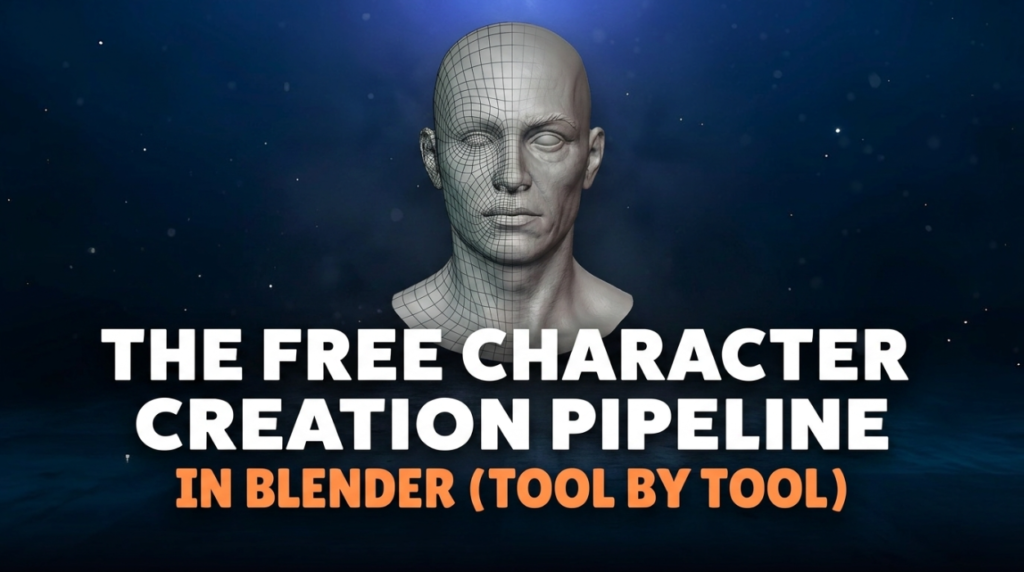
Base Meshes
MakeHuman generates parametric humans — sliders for proportions, output ready to sculpt or rig. Free, and it saves days when you need a plausible human starting point rather than a stylised one.
The Base Mesh offers CC0 base meshes with clean topology. Starting from good topology is far easier than fixing bad topology later.
Sculpting and Modelling
Blender’s own sculpt mode is genuinely competitive for character work — see our guide to sculpting in Blender, which covers the topology-first approach most tutorials skip.
For fast creature blockouts, Dust3D builds from connected spheres and auto-generates UVs and a rig.
Retopology — The Stage People Skip
A sculpt is millions of triangles with no usable edge flow. Before rigging it needs rebuilding.
AutoRemesher is free and MIT licensed, good for props and passable on stylised characters. RetopoFlow is paid and remains the standard for manual character work where deformation matters.
Rigging
Blender’s built-in Rigify is free and production-capable, if unintuitive. Our Auto-Rig Pro alternatives guide covers the wider market.
Mixamo auto-rigs a humanoid and gives you a motion library free — still the fastest path to a moving character, though see our assessment of its limits. And for custom motion beyond a preset library, free AI motion capture tools can turn your own video into animation you retarget onto the rig.
Clothing
Fitting garments to a body is where character projects stall. Robust Weight Transfer handles the weight painting for loose clothing, which Blender’s Data Transfer modifier fails on.
For pattern-based garment construction, Marvelous Designer is the industry tool.
Faces and Shading
For stylised and anime characters, Easy Custom Normals addresses the reason toon faces go blotchy — normals, not topology.
The Order That Matters
Base mesh, sculpt, retopologise, UV, texture, rig, weight, animate. Skipping retopology is the most common reason a character reaches rigging and cannot be saved.

