
You can now type “a person walks forward, stops, and waves” into Blender and get keyframed animation on your rig. No mocap suit, no video footage, no cloud subscription, and no cost.
The pieces have existed for a while — NVIDIA released Kimodo, its text-to-motion model, as open research. What was missing was a way to use it without a terminal. That gap is now closed.
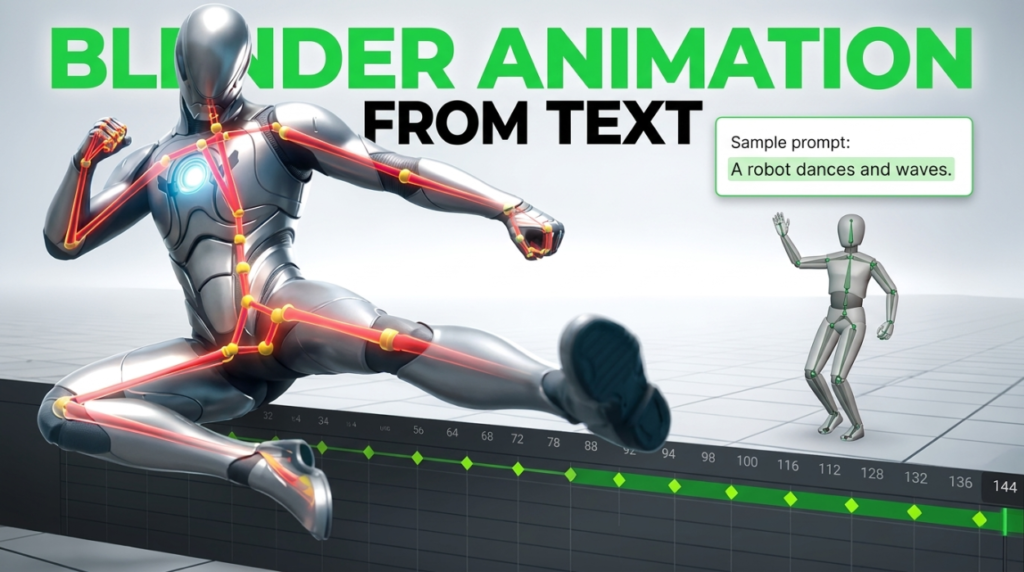
What Is Text-to-Motion?
Text-to-motion models generate 3D skeletal animation from a written description. You describe an action, the model produces joint rotations over time, and you retarget that onto a character.
NVIDIA’s Kimodo is a kinematic motion diffusion model trained on hundreds of hours of licensed optical motion capture. Beyond plain prompts it accepts constraints — keyframed poses, end-effector positions, paths and waypoints — so you are not limited to hoping the prompt lands.
How Do You Generate Animation From Text in Blender?
The practical route today is the Kimodo Blender Bridge, a free open-source add-on that runs the whole loop inside Blender’s N-panel.
The workflow is short:
- Install the add-on and click Install Kimodo (Auto) — since v1.2.0 it sets up the backend itself, no terminal
- Type a prompt and generate
- Click Auto-Match Bones to map Kimodo’s skeleton onto your rig, then review the pairs
- Apply Constraints, check the result, then Bake & Remove Constraints for clean keyframes with nothing left attached
You need Python 3.10–3.12 on your PATH, roughly 10 GB of disk, and an NVIDIA GPU. After the first install it runs entirely offline.
The Three Things That Go Wrong
Nearly every complaint about this workflow traces back to one of these:
- Scene not at 30 FPS. Kimodo outputs 30 fps. If your scene differs, timing looks wrong and people blame the model.
- Scale not applied. Match your armature roughly to the character and apply scale with Ctrl+A before retargeting.
- Wrong retarget mode. Child Of suits most full-body rigs; Copy Transforms handles mismatched bone lengths; Copy Rotation works well on standard bipeds. You can set these per bone and disable individual bones to isolate a bad one.
What Are the Alternatives?
Animatica offers a Blender add-on with a hosted option, meaning no GPU required, alongside self-hosting. Convenient if your hardware cannot run the model, at the cost of sending work to a server.
kimodo.cpp is a C++ and GGML port of the same model that runs on CPU or Vulkan rather than requiring CUDA. It is developer infrastructure with no Blender integration, but it is the reason this technology will eventually run on modest hardware.
Running Kimodo directly is also possible — it ships a CLI and a browser demo — but you are then exporting and retargeting manually, which is exactly what the bridge exists to avoid.
Text-to-Motion vs Video Mocap
These solve different problems, and picking wrongly wastes a lot of time.
Video mocap — tools like BlendCap or Rokoko Vision — captures a specific performance. If you know exactly how the movement should look, act it out and film it. You get personality and timing that a prompt cannot specify.
Text-to-motion is better when you do not have a performer, need generic actions quickly, or want to fill background characters. Nobody films themselves walking for the fourth NPC in a scene.
Our full comparison of capture options is in the AI motion capture guide.
Is It Actually Good Enough to Use?
Honestly: for blocking, yes. For final hero animation, not yet.
Generated motion tends to read as generic — technically plausible, lacking the weight shifts and idiosyncrasies that make animation feel authored. That is exactly what you would expect from a model trained on academic mocap.
The realistic use is speed. Generating a rough walk, gesture or idle in seconds and then polishing it beats keyframing from an empty timeline, particularly for secondary characters where the budget was never going to allow hand animation anyway.
Frequently Asked Questions
Is Kimodo Blender Bridge free?
Yes — free on Superhive and open source on GitHub. There is an optional $5 supporter tier that includes a rigged SOMA armature matching Kimodo’s skeleton.
Do I need an NVIDIA GPU?
For this add-on, effectively yes. The developer reports testing on a GTX 1080 and an RTX 3090, so it is not restricted to high-end cards. If you have no NVIDIA GPU, a hosted service is the practical route.
Does it upload my work anywhere?
No. Internet access is needed for the initial model download, after which generation runs fully offline.
Which Blender versions are supported?
Blender 4.2 through 5.1, with support for the 4.2+ Extensions platform.
Can I use generated motion commercially?
Check the licence on the Kimodo model itself, not just the add-on. The bridge is open source; the model has its own terms, and those are what govern the motion you generate.
More free animation tools in the 3DxDEV Library.

