
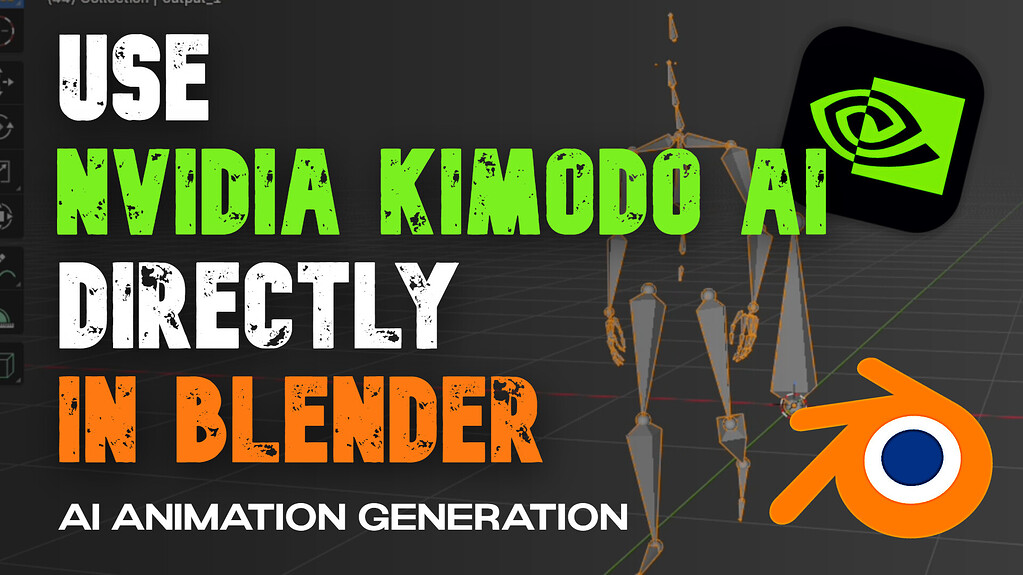
NVIDIA’s Kimodo generates human motion from a text prompt. Getting that motion onto a Blender rig used to mean running a terminal, wrangling BVH files and retargeting by hand. Kimodo Blender Bridge removes all of it — you type a prompt in the N-panel and get baked keyframes on your armature.
It is free, open source, and the developer released it that way on the grounds that it depends almost entirely on NVIDIA’s underlying work.
What It Does
- Text to motion inside Blender — describe an action, generate, and import directly into your scene
- Auto-Match Bones — fuzzy-matches Kimodo bone names against your rig, with a mapping you can review and edit per bone
- Per-bone retarget modes — Child Of, Copy Transforms or Copy Rotation, switchable individually
- Bake & Remove Constraints — converts the constraint setup into clean keyframes on your rig with nothing left attached
- Bone mapping presets — save a rig’s mapping once and reuse it
- Spatial goals — pass positional constraints through to Kimodo rather than relying on the prompt alone
The Install Is Actually Painless Now
Since v1.2.0 the add-on installs Kimodo itself — no terminal required. Enable the add-on, open the Kimodo tab in the N-panel, expand Connection and click Install Kimodo (Auto). Progress shows live in the panel.
You need Python 3.10–3.12 on your system PATH, an internet connection for the initial download, and around 10 GB of free disk space. After that first install, Kimodo runs fully offline — nothing is uploaded, which matters for client work.
If you already have Kimodo in your own venv, you can skip the installer and point the add-on at that Python instead.
Getting Good Results
Three things account for most problems people hit:
- Set your scene to 30 FPS. Kimodo outputs at 30, and the add-on has a one-click button to fix the scene if it does not match. Wrong FPS is the usual cause of odd timing.
- Apply scale on your armature with Ctrl+A after matching it roughly to your character.
- Switch retarget modes if the pose looks wrong. Child Of suits most full-body rigs, Copy Transforms helps where bone lengths differ, Copy Rotation works well on standard bipeds. Toggle individual bones off to isolate a problem.
Requirements and Cost
Free on Superhive and GitHub, supporting Blender 4.2 through 5.1, and compatible with the 4.2+ Extensions platform. There is an optional $5 supporter tier that adds a rigged SOMA armature, which saves you building one to match Kimodo’s skeleton.
You will want an NVIDIA GPU. The developer reports testing on Windows with a GTX 1080 and Linux with an RTX 3090, so it is not exclusively high-end hardware.
Worth Knowing
Text-to-motion is still a blocking tool rather than a finishing one. Expect to treat generated motion as a fast first pass and polish the result — which is still dramatically quicker than keyframing a walk cycle from nothing.
If you want to understand what is running under the hood, see our coverage of kimodo.cpp, the C++ port of the same model.
Developer: lewdineer · Price: Free (optional $5 supporter tier) · Requires: Blender 4.2–5.1, Python 3.10–3.12, ~10 GB disk
See our full text-to-motion guide and our comparison of AI motion capture tools.