
Trying to make clean, angled cuts across complex 3D geometry in Blender usually means messing around with boolean modifiers, knife projections, or messy bisect tools.
The free Cut Plane add-on simplifies the entire process down to a single interactive plane.
Created by Firg, it lets you slice meshes at exact angles, snap cuts to existing vertices or edges, and enter precise numerical values on the fly.
It’s also an effortless way to create real-time cross-sections to inspect internal mesh geometry without destroying your topology.
When slicing complex hard-surface models, do you prefer using interactive plane tools like this, or are you still relying on standard Booleans?
Cut Plane is a free Blender add-on that lets you slice a mesh using a positionable plane, with a live preview so you can see the result before committing. A quick, non-fiddly way to make clean planar cuts.
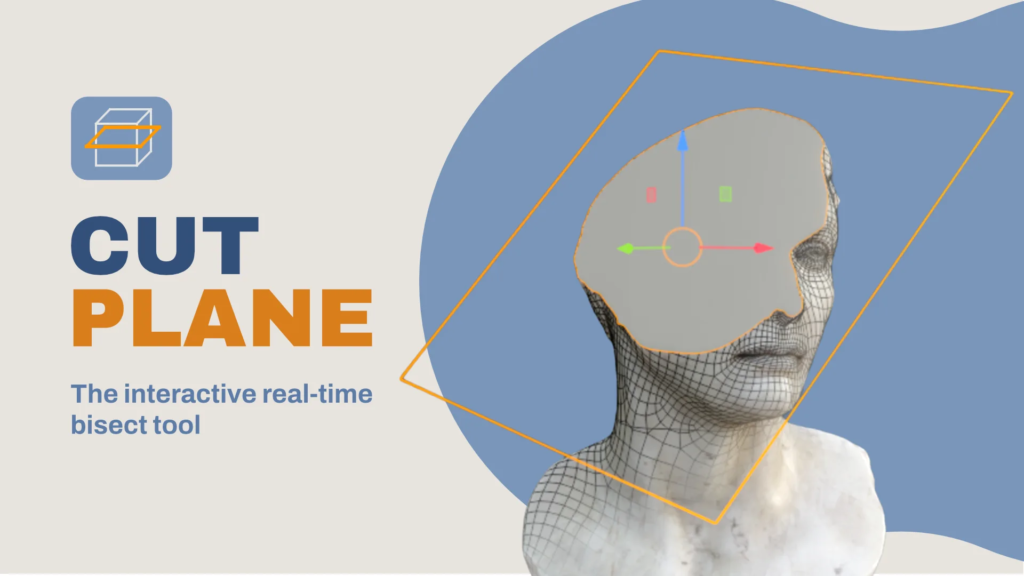
You can download Cut Plane
for free directly via https://extensions.blender.org/. It’s especially handy for hard-surface blockouts, mechanical designs, and checking internal wall thickness on 3D printing models!
Creator: Firg · Price: Free · Get it: Blender Extensions
More free modelling tools in our retopology and modeling roundup, and our list of free Blender add-ons that save hours.