
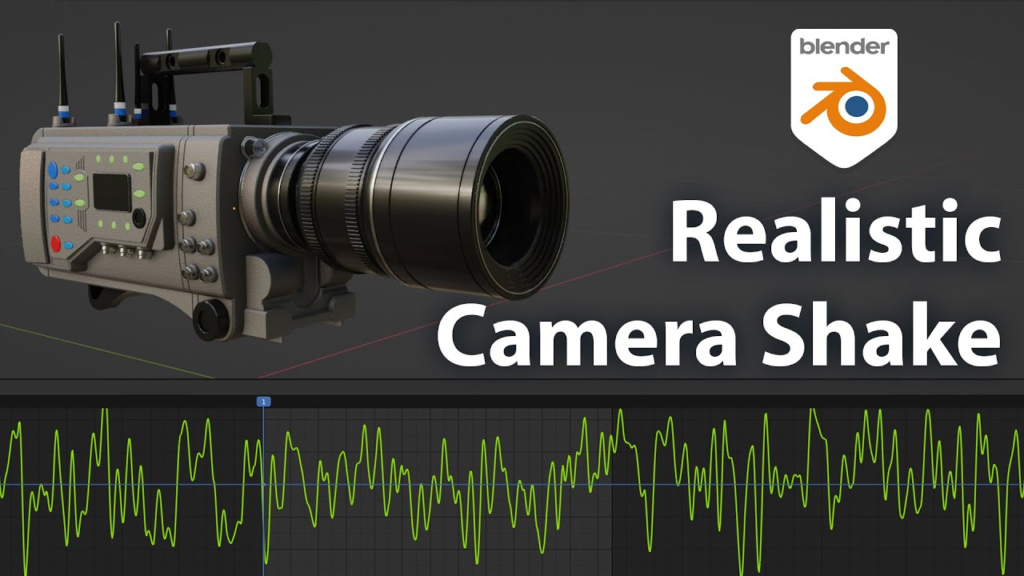
Camera Shakify is a free, open-source Blender add-on that drives your camera with real, recorded camera motion instead of hand-keyed noise. Rather than manually animating noise on location and rotation, you pick from a library of motion presets captured from actual handheld and mounted cameras, layered non-destructively on top of your existing camera animation.
How it works
Select your camera, open the Camera Shakify panel and press the + button, then choose a shake preset. Tune Influence, Scale, Speed and Frame Offset to control intensity and timing. If a shake stops behaving after edits, the Fix All Camera Shakes button re-syncs everything. It stays out of the way with no permanent N-panel clutter.
Why use it
Convincing camera shake is one of the fastest ways to make a render feel real, and doing it by hand is tedious. Camera Shakify gives you believable, motion-captured shake in a couple of clicks, and it is completely free.
Author: Nathan Vegdahl
License: Free / open-source
Source: https://github.com/EatTheFuture/camera_shakify
Camera work is where a lot of renders are won or lost — see why your renders look fake. More free tools in our Blender add-ons roundup.